01
See the market.
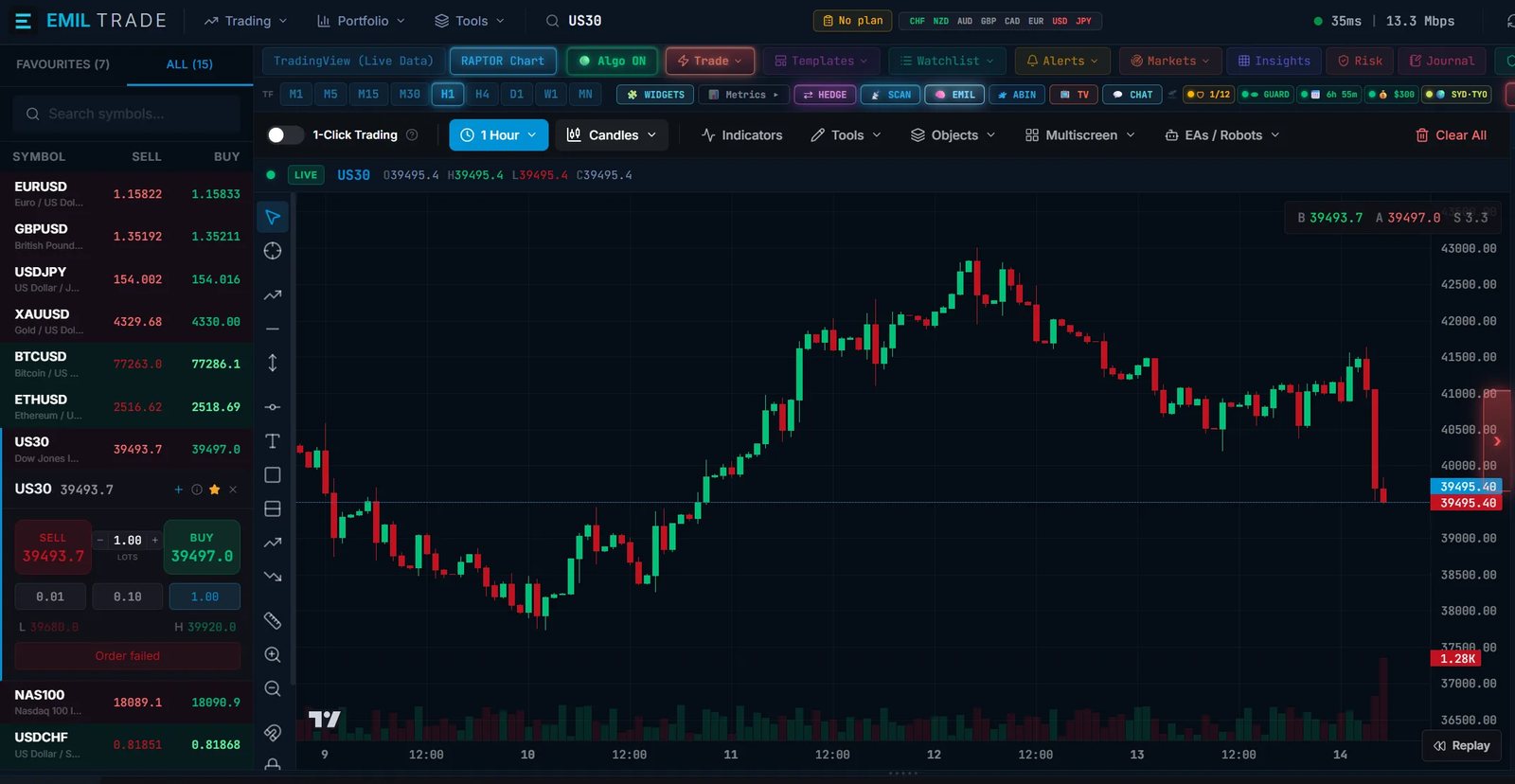
A trading day starts with looking. A watchlist holds the instruments you follow; selecting one brings its chart forward. Before any decision, the job is simply to see what is moving and what is not.

Fetching the page
The GIO4X flagship
A multi-asset trading workspace on web, desktop and mobile, covering the asset classes GIO4X lists. One place to watch a market, arrange your screens, analyse, place an order and keep an eye on what is open.
What happens next
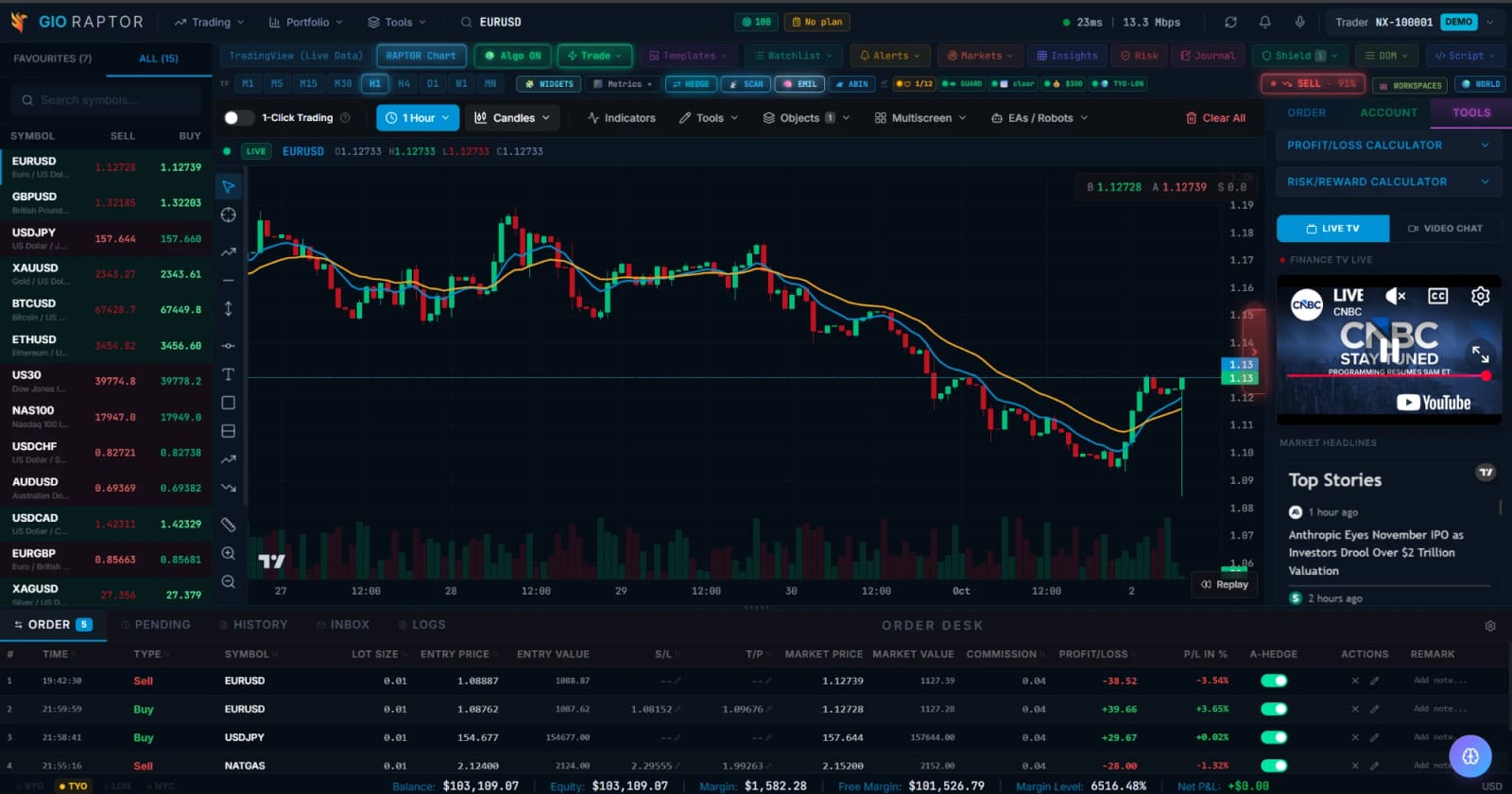
Screenshots of demo accounts. The prices, positions, percentages and headlines inside them are what the demo showed when it was captured: not live data, not results, and not a recommendation to trade. Names and marks of other companies visible in them belong to their owners.
The workspace
Scroll, and the workspace puts itself together: the five parts a first trade uses, each with one line saying what it is.
A schematic, drawn for this page: not a screenshot, and no price is shown in it.
01
A trading day starts with looking. A watchlist holds the instruments you follow; selecting one brings its chart forward. Before any decision, the job is simply to see what is moving and what is not.
02
No two traders arrange a screen the same way. A workspace is the arrangement itself: which panels are open, where they sit and how much room each one gets. The same panels, set out for the way you work.
03
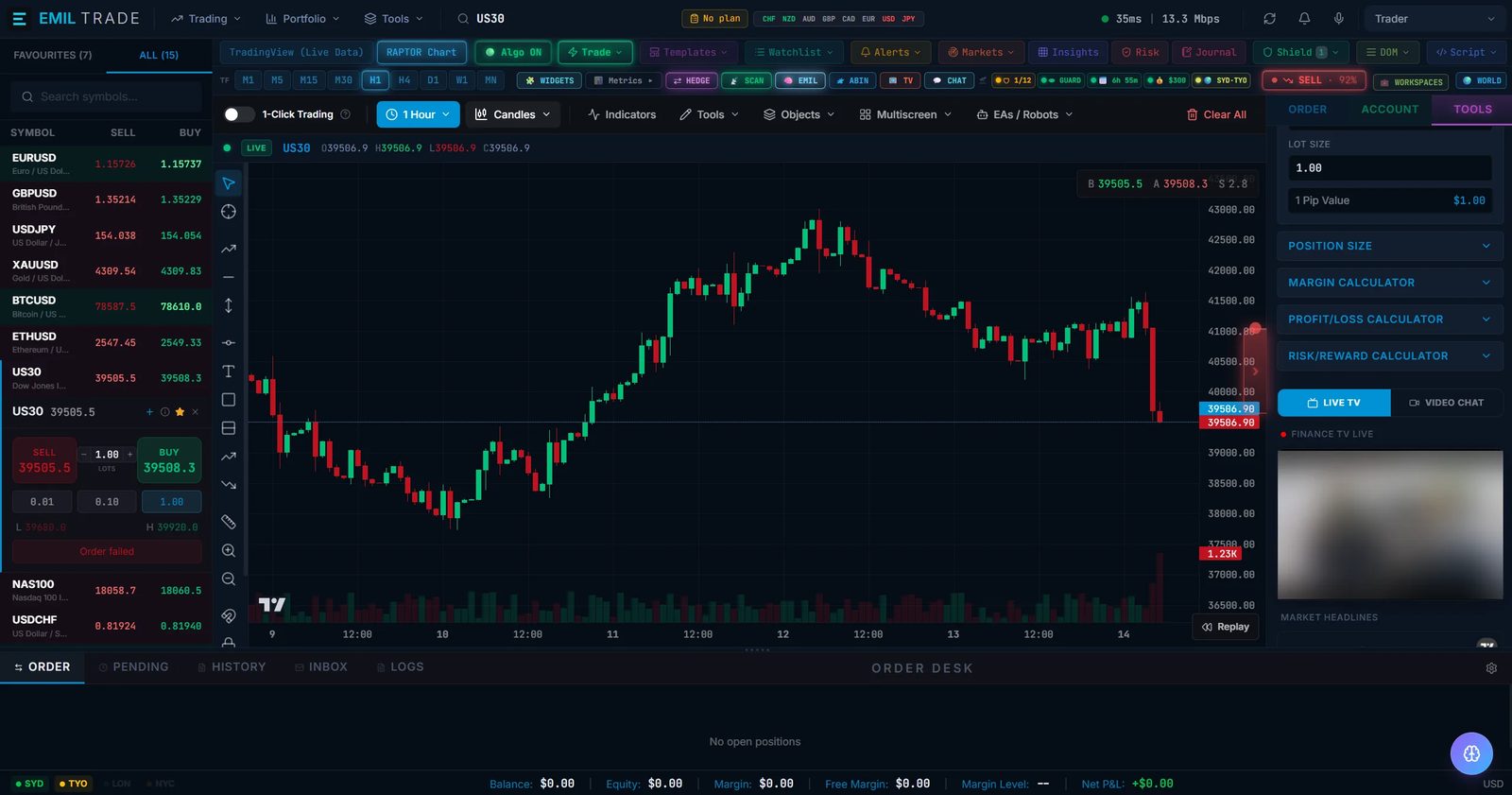
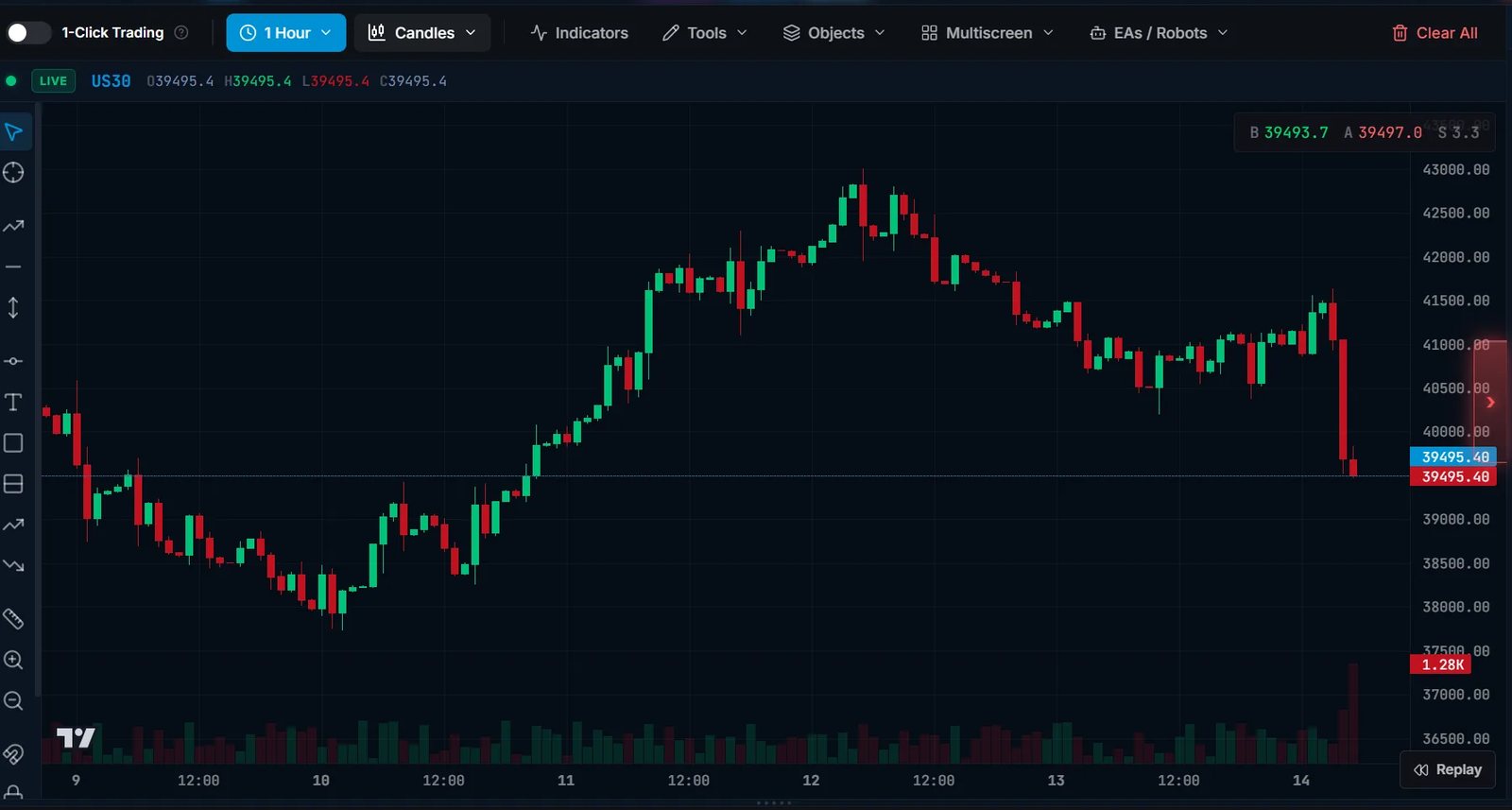
The chart is where a view is formed. You change the timeframe, mark the levels that matter to you and compare what price has done with what you expected it to do. The analysis is yours; the platform is the drawing board.
04
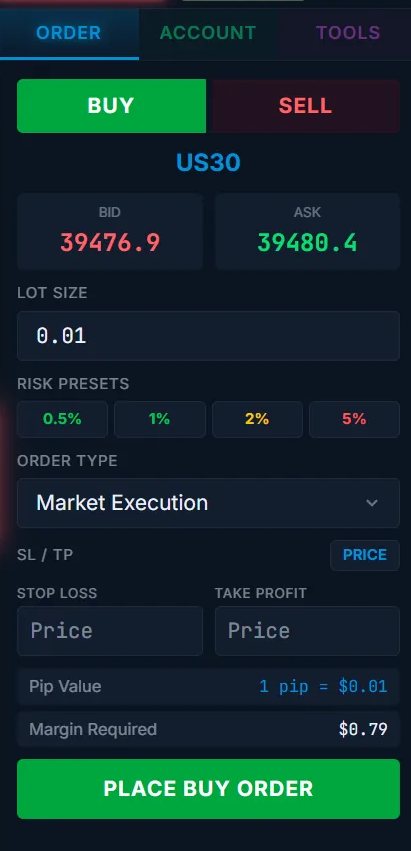
An order ticket turns a view into an instruction: which instrument, which direction, what size, and where the trade is wrong. It is worth settling the size and the stop before the ticket is open, not after.
05
Once a position is open, the work changes from deciding to watching: what is open, what it is using in margin, and how far equity sits above the levels at which positions are closed.

Inside the workspace
These are screenshots, not descriptions. What each panel does, and where its limits are, will be documented in the feature library before anything is claimed for it here.
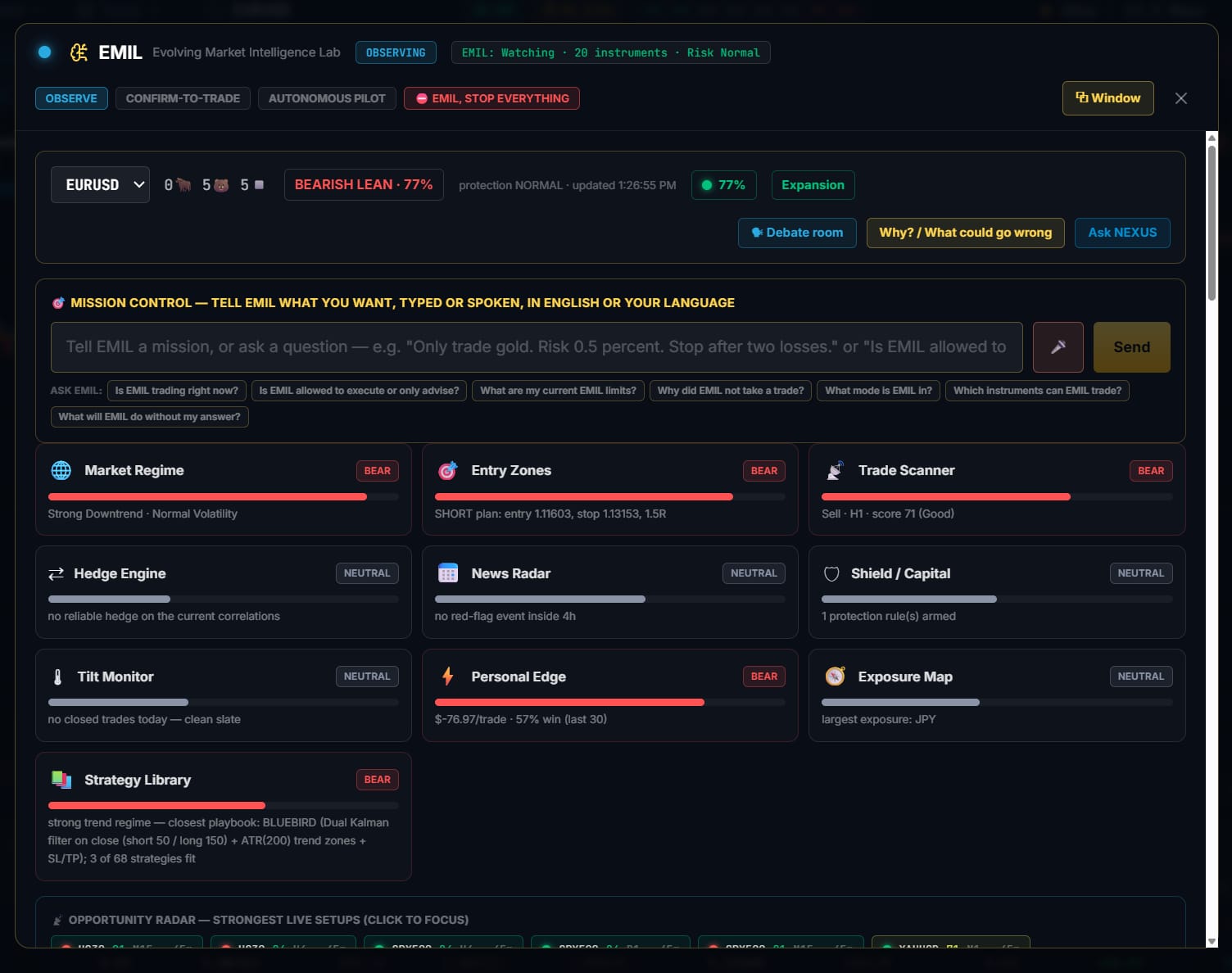
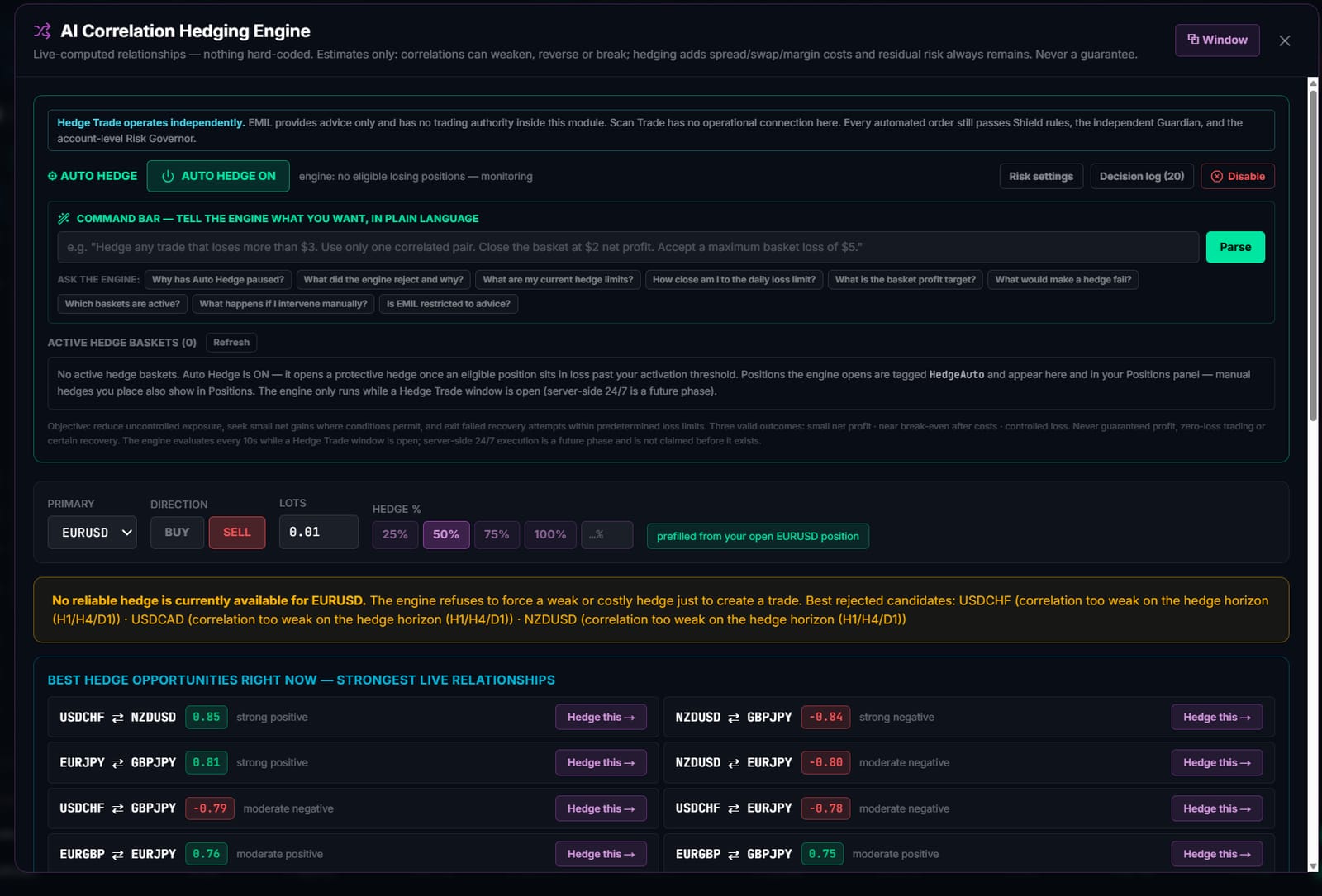
Screenshots of demo accounts. The prices, positions, percentages and headlines inside them are what the demo showed when it was captured: not live data, not results, and not a recommendation to trade. Names and marks of other companies visible in them belong to their owners. See what is not published yet.
Gallery
11 captures of the running platform: the workspace and its menus, the trade ticket and alerts, then the panels. Each opens at full size.
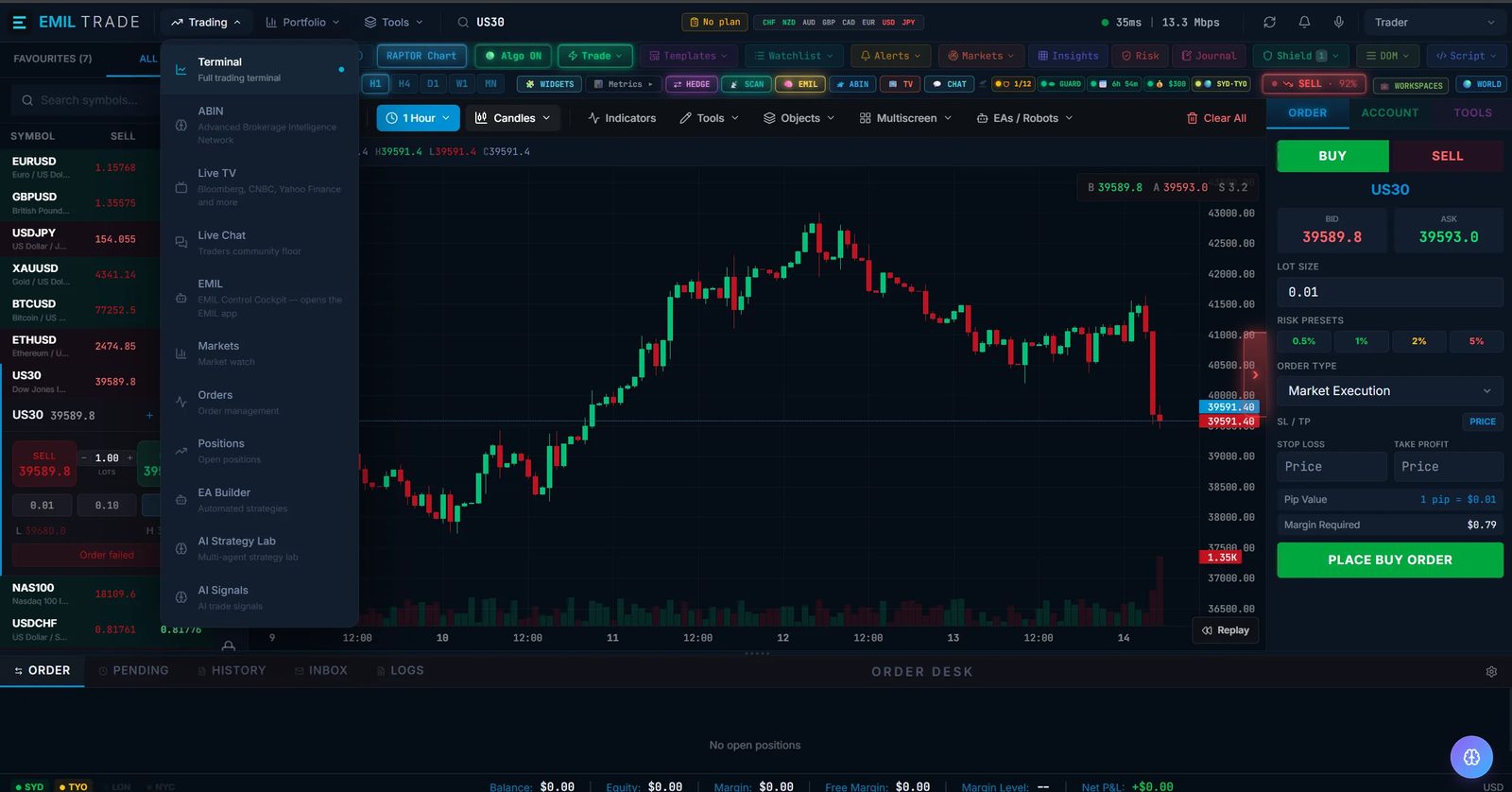
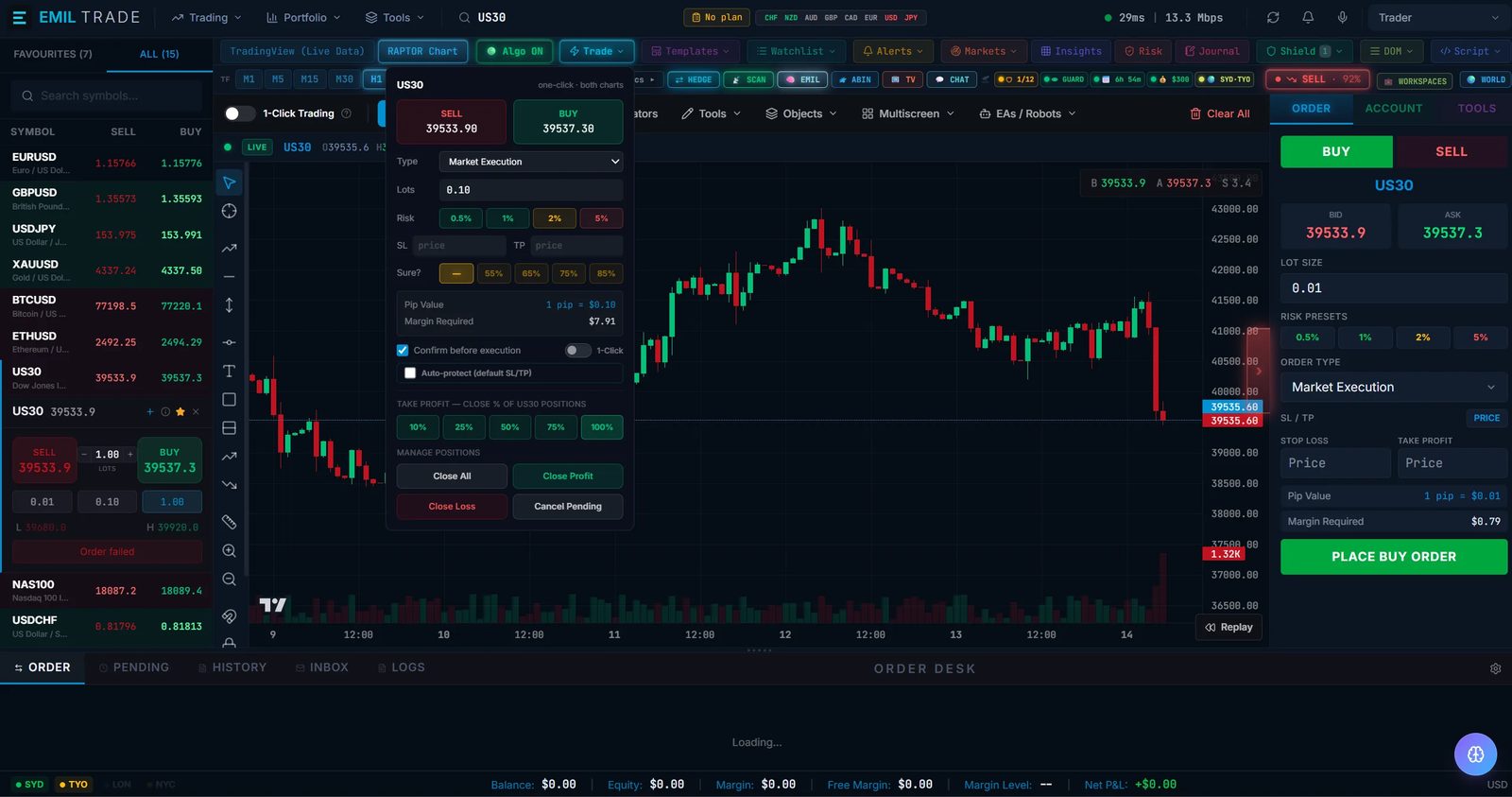
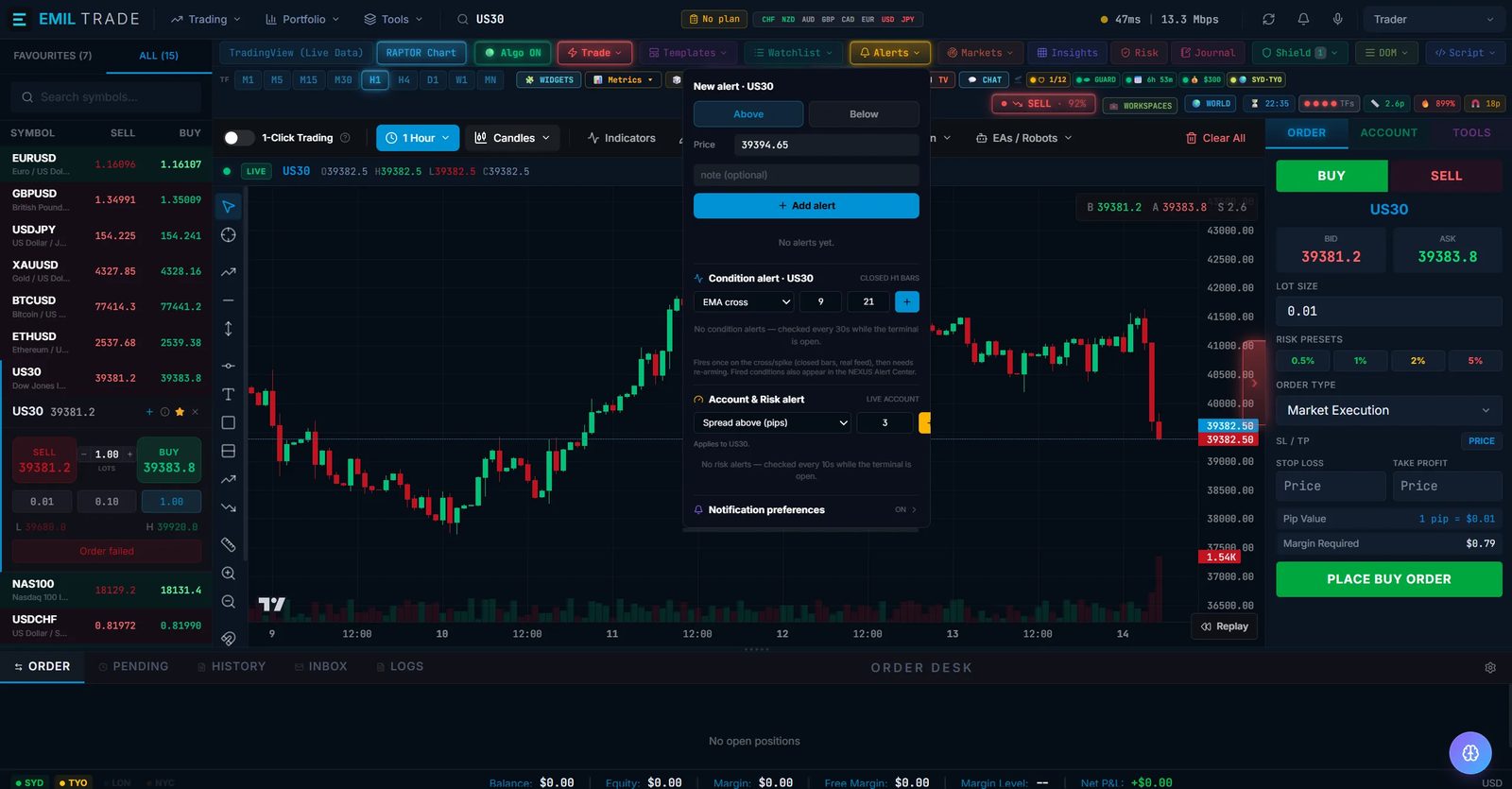
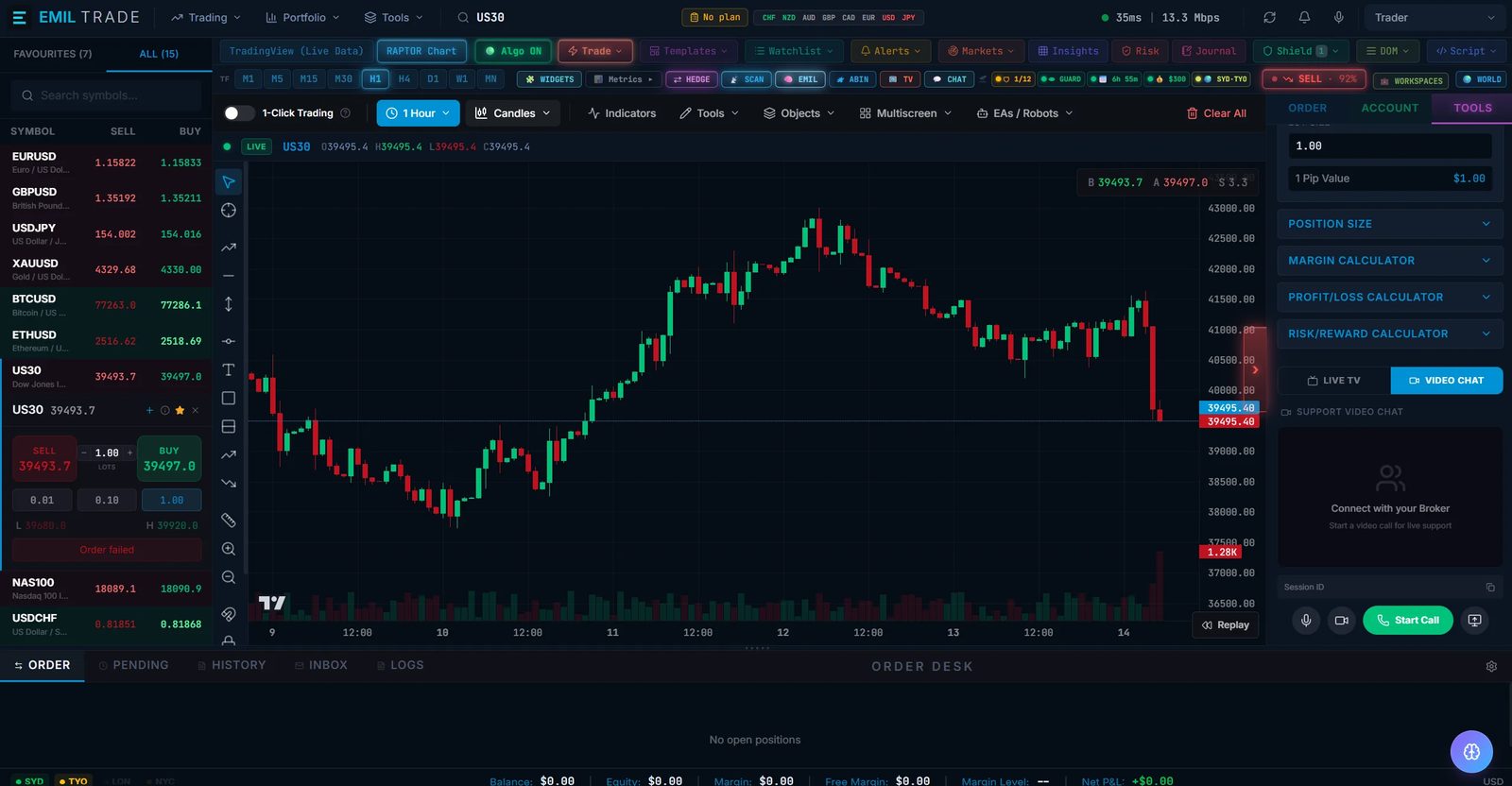
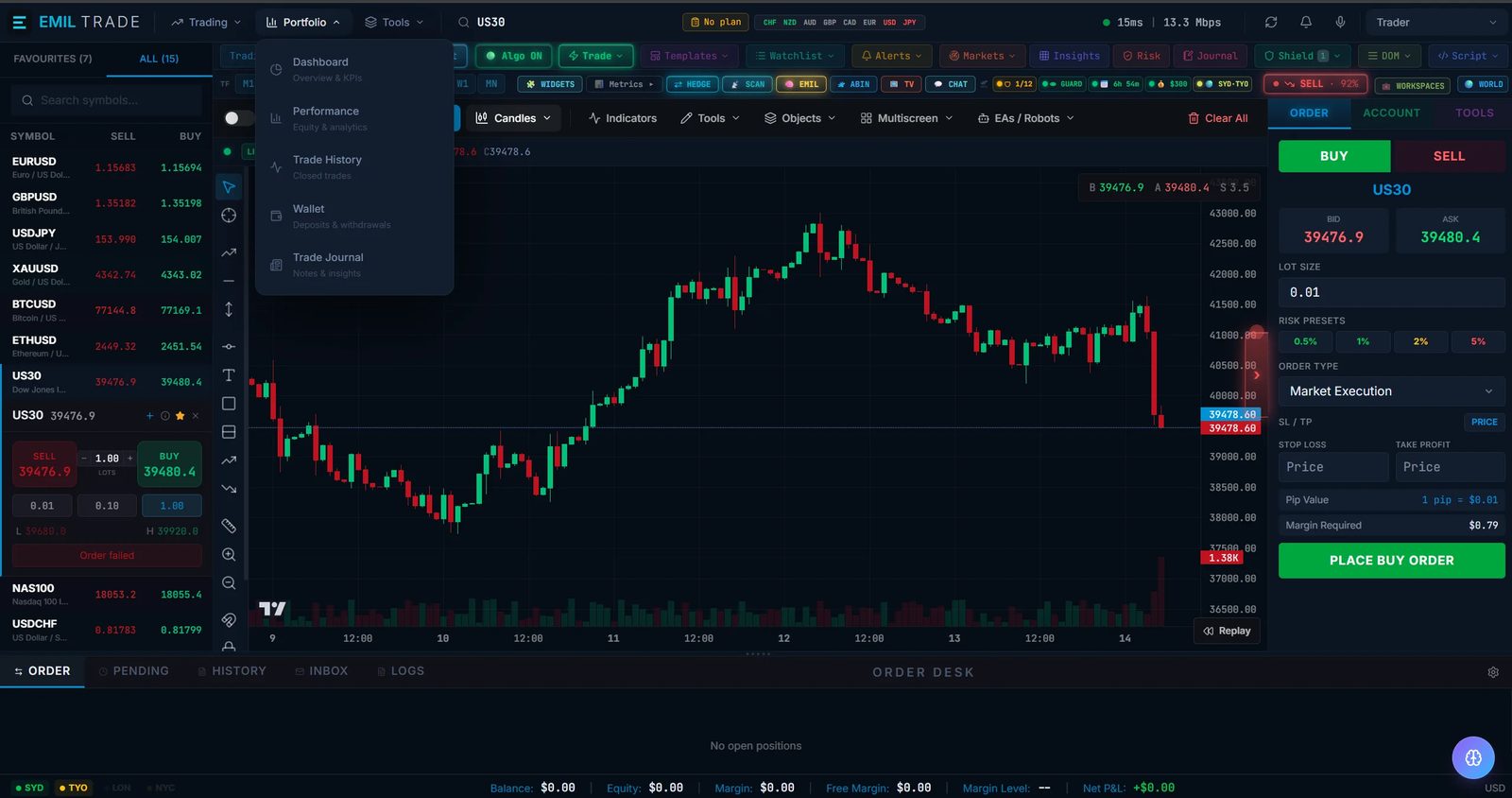
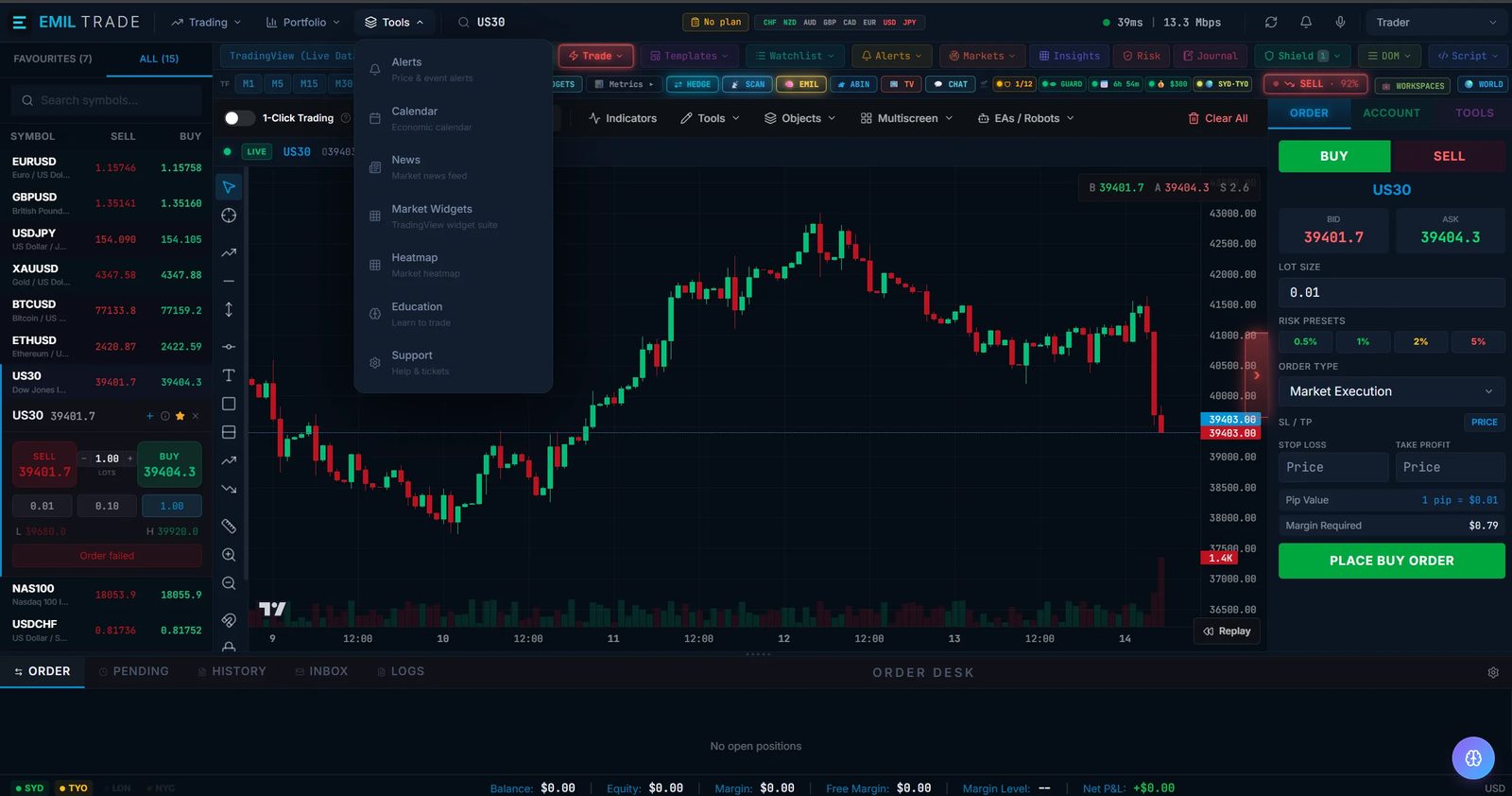
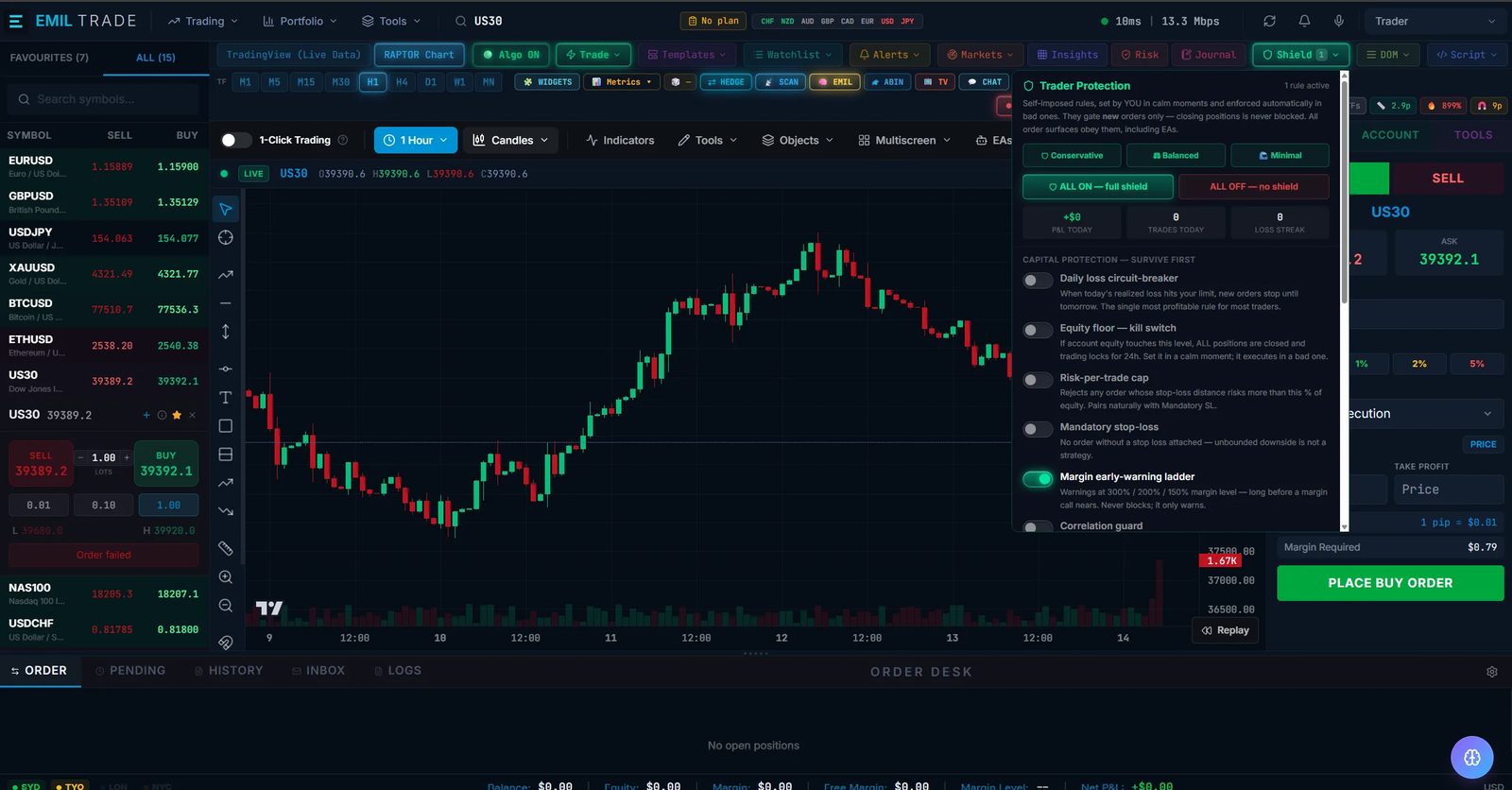
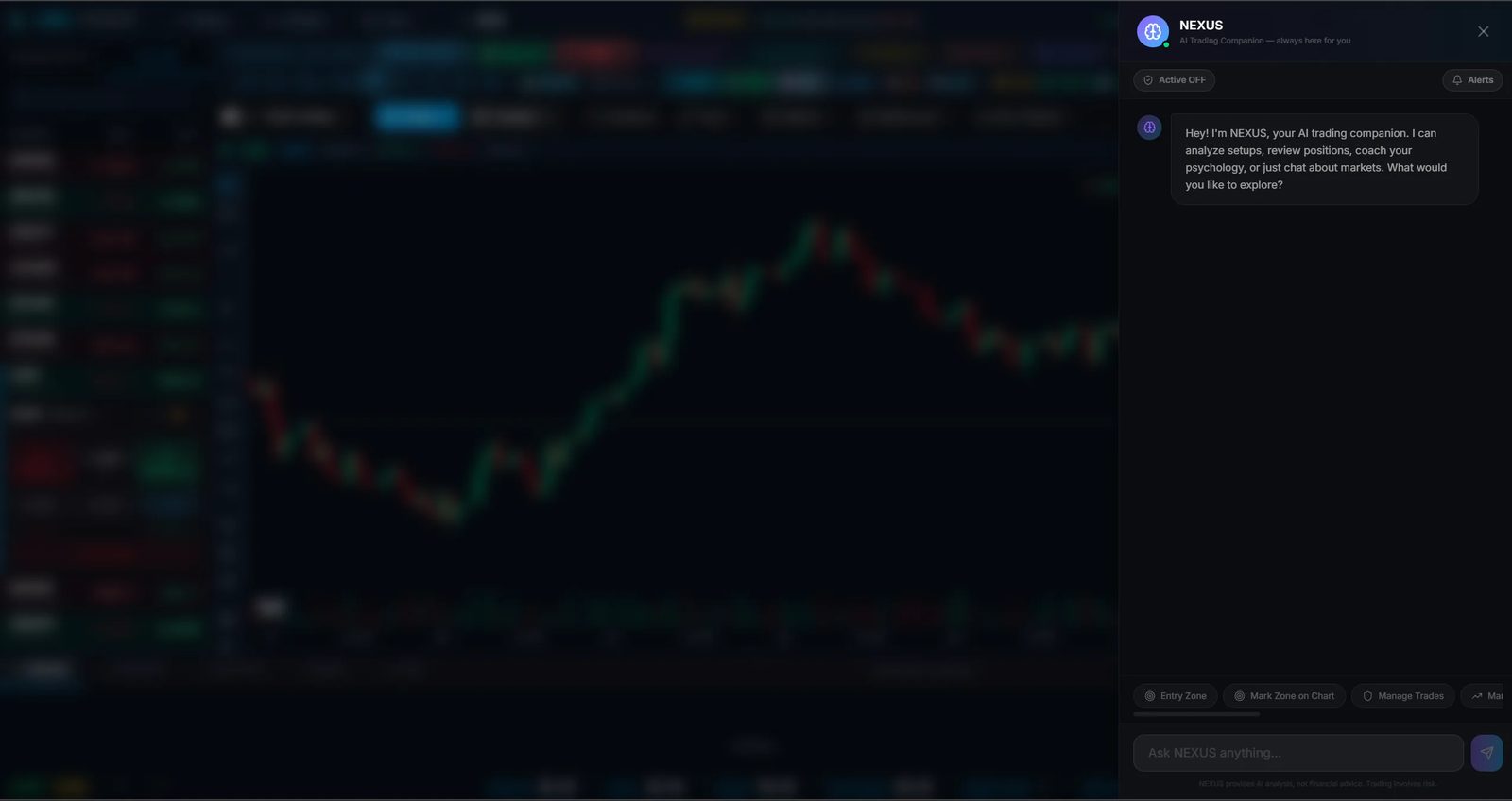
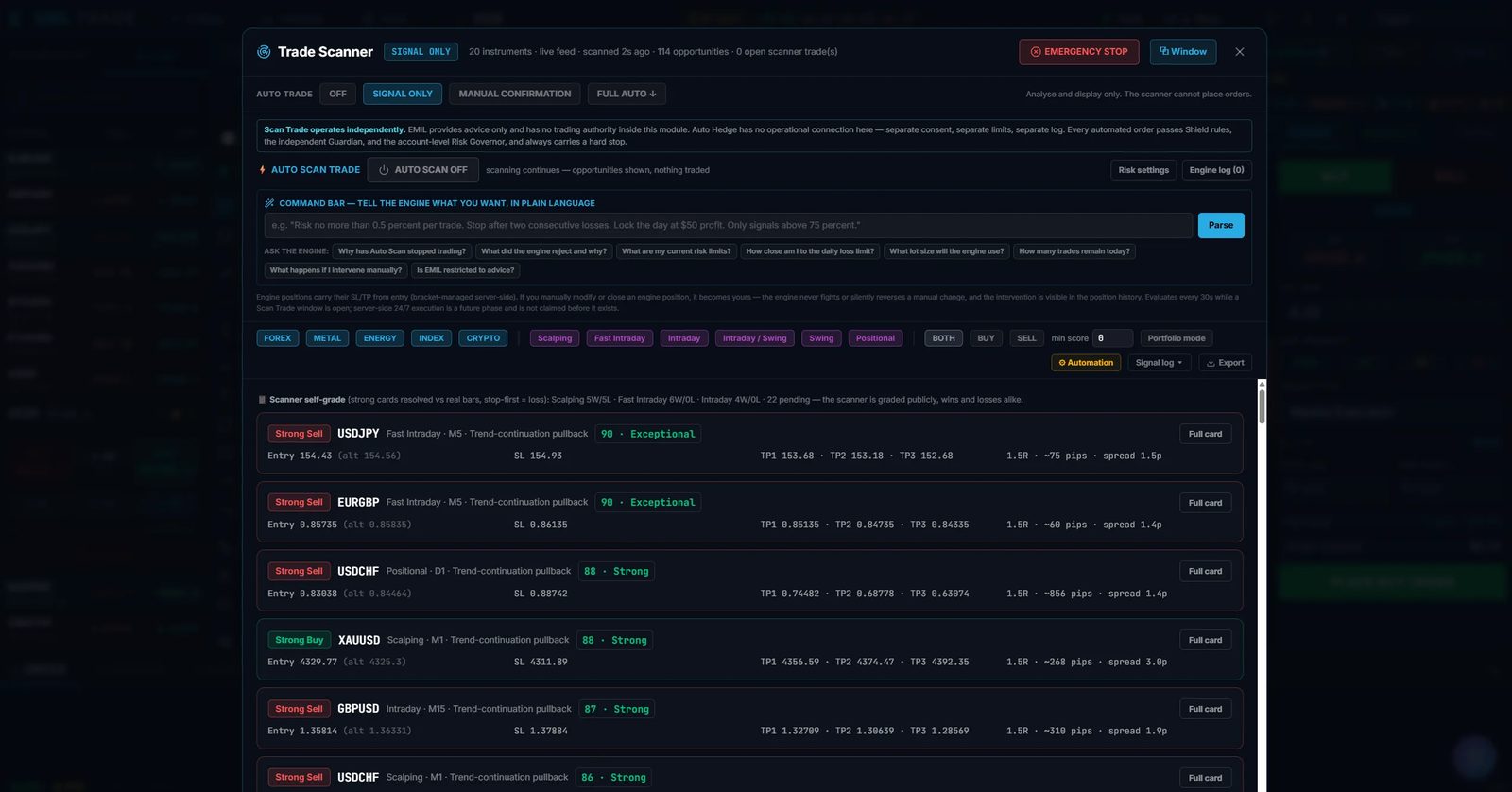
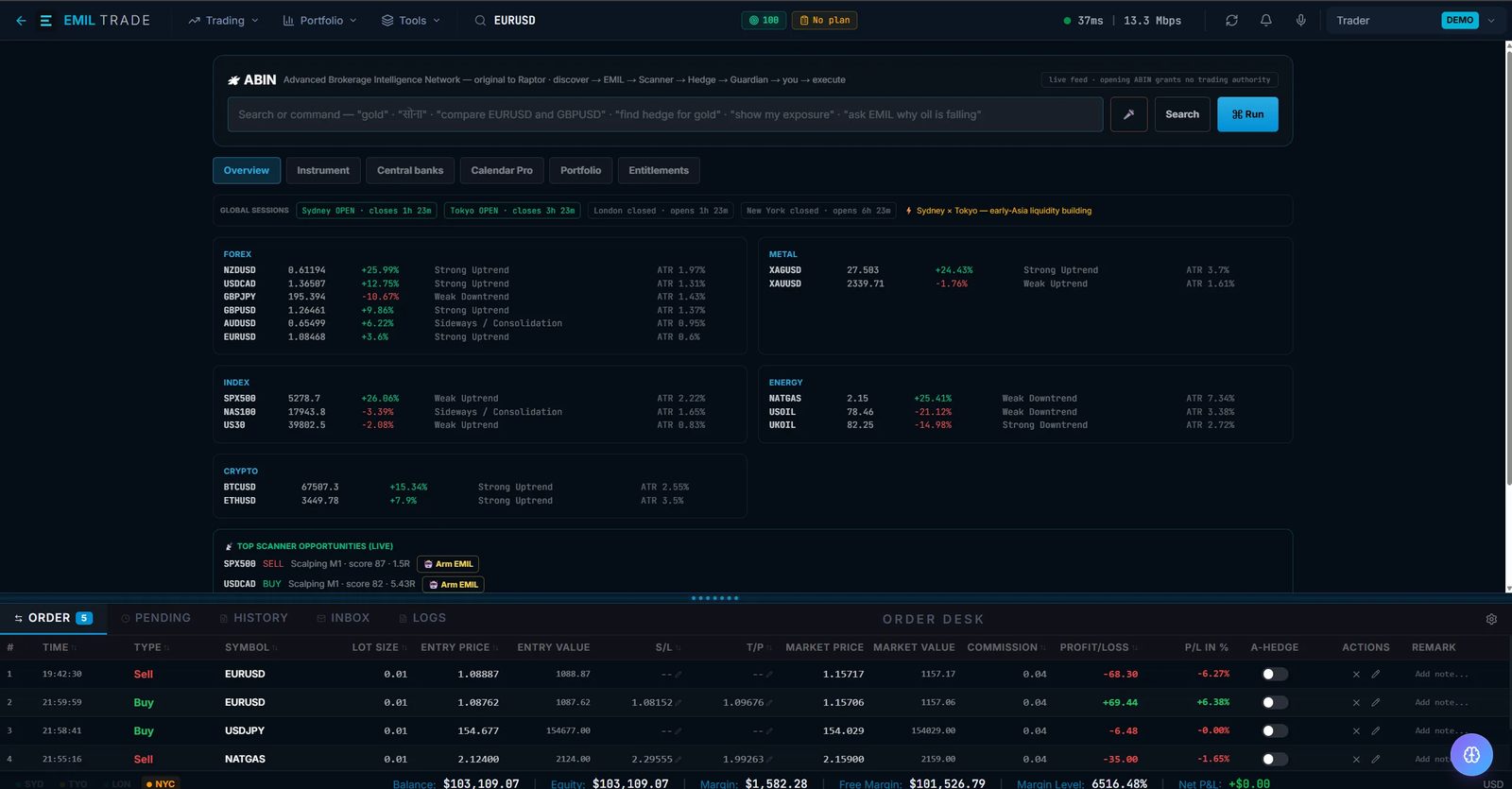
Screenshots of demo accounts. The prices, positions, percentages and headlines inside them are what the demo showed when it was captured: not live data, not results, and not a recommendation to trade. Names and marks of other companies visible in them belong to their owners. In these captures the workspace carries the name EMIL Trade in its top-left corner: it is the 777 Raptor platform. The panels are shown, not described; see what is not published yet.
Interface tour
Nine areas, each with one job. Choose a marker, or a name in the list, to see what that part of a trading workspace is for.

01 09
The short list of instruments you follow. It is the first thing most traders look at, and choosing a row is how a chart and an order ticket know which market you mean.
Try it
Pick a symbol, set a size, add a stop-loss and a take-profit if you wish, and buy or sell. It runs on the same simulated prices as a demo account. It is a demonstration on this page, not an account.
Demonstration. Simulated prices, not market prices. Nothing here is saved and no account is opened.
Orders are kept in this page’s memory for this visit only and vanish when you leave. The balance is 10,000.00 in virtual US dollars; margin is worked at 1:100. Open a demo account
Reading
Reading the candles…
1.00 lot = 100,000 EUR. Margin for this order: –.
Prices, not distances. For a buy the stop-loss goes below the bid and the take-profit above it; for a sell, the other way round.
Reading the simulated prices…
None. A position appears here when you buy or sell, and is valued at the simulated price as it moves.
A buy is filled at the ask and closed at the bid; a sell, the other way round. Profit is counted in the quote currency and turned into US dollars at the simulated rate of the same moment. At a margin level of 20% the position losing most is closed, as on a demo account. No spread beyond the one shown, no commission and no swap is applied here.
Availability
On the web today: the terminal is opened from the client portal, where “Open in Raptor” takes a client with an account straight in, signed in. A desktop installer and a mobile store listing have not been published, so none is linked.
In a browser, with nothing to install.
Opened from the client portal
As an application on a computer.
As an app on a phone.
The web terminal is served today from gio4x-terminal.netlify.app, its hosting address. That is not on gio4x.com, and it will be replaced by an address that is. Reach it from the client portal, and check any address you are sent with Verify a link.
Markets
Raptor is described as a multi-asset workspace. Each class below opens the market page, with its structure, hours and indicative conditions.
An instrument-by-instrument list for Raptor is not yet published
Stated plainly
This page describes what a trader does in each part of a workspace. It does not list features, speeds or figures, because none have been verified for publication. These are the documents still to come.
If you need one of them before you decide, ask: info@gio4x.com or the contact page.
A dated record of what changed in each version.
Supported operating systems, browsers and devices.
Official installers and app-store listings. Until they are published here, treat any Raptor download link you are sent with caution.
Chart tools, order types, indicators and settings, each documented rather than merely named.
Earlier GIO4X material described AI-assisted features. Several such panels are shown on this page as screenshots of a demo account; what they do, and their limits, has not been documented for publication, so none is described here.
Technology
Technology provided by 777 Raptor.
The Raptor platform is built by 777 Raptor and offered to GIO4X clients as the house flagship.
777raptor.com (opens in a new tab)Trading foreign exchange on margin carries a high level of risk, and may not be suitable for all investors. The high degree of leverage can work against you as well as for you. Before deciding to trade foreign exchange you should carefully consider your investment objectives, level of experience, and risk appetite. The possibility exists that you could sustain a loss of some or all of your initial investment and therefore you should not invest money that you cannot afford to lose.
Risk disclosure